How to Set Up Smart Home Devices with Your Phone
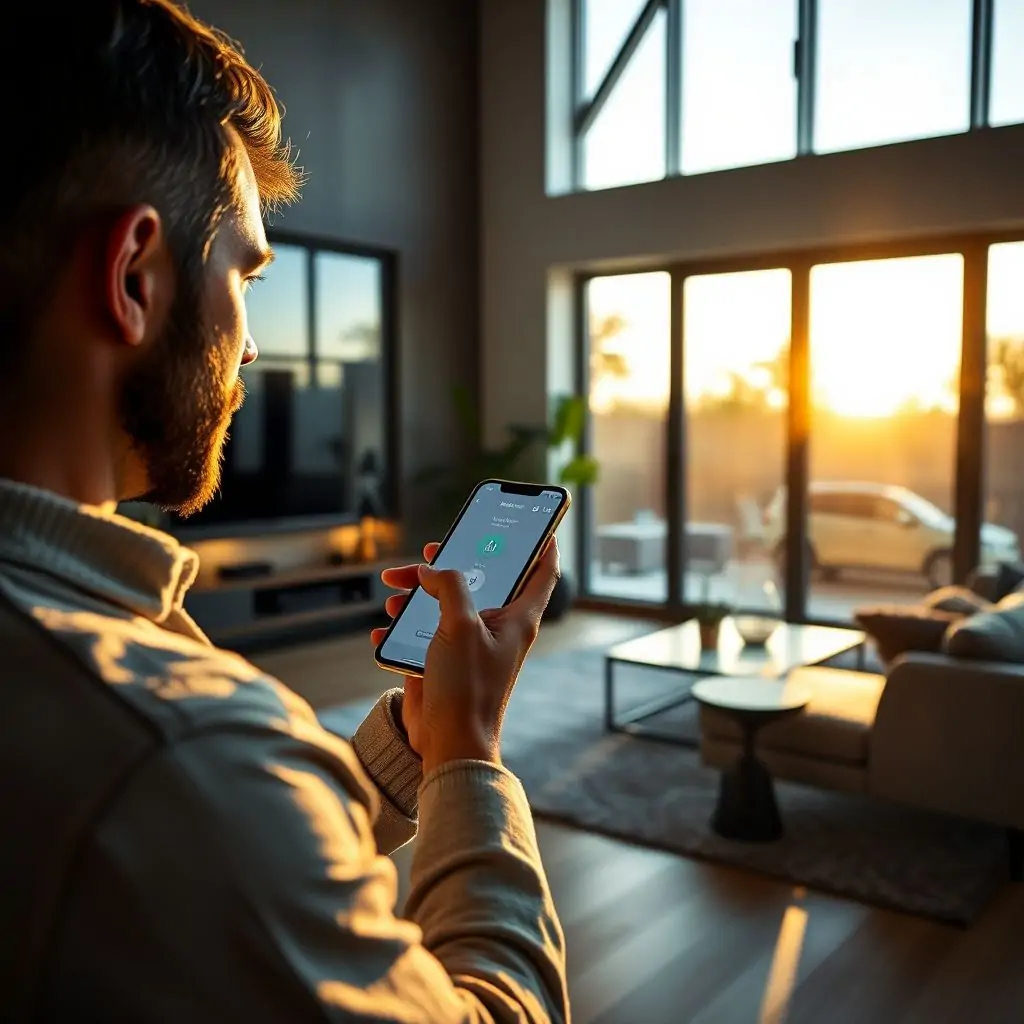
Setting up smart home devices with your phone can be a game-changer in terms of convenience and efficiency. With just a few taps on your smartphone, you can control everything from lighting and temperature to security systems and entertainment devices. This guide will walk you through the process of How to Set Up Smart Home Devices with Your Phone, providing detailed steps and insights that will help ensure your home automation experience is seamless and hassle-free.
Introduction to Setting Up Smart Home Devices with Your Phone
The integration of smart home devices into everyday life has revolutionized the way we interact with our living spaces. By leveraging your smartphone, you can control a myriad of connected gadgets, making your home smarter and more efficient. Whether it’s installing a new lighting system or setting up a sophisticated security network, this article provides How to Set Up Smart Home Devices with Your Phone, ensuring that every step is clear and concise.
Table of Contents
- Introduction to Setting Up Smart Home Devices with Your Phone
- Choosing the Right Smart Home Devices
- Understanding Compatibility and Connectivity Issues
- Setting Up Your Smart Home Network
- Step-by-Step Guide for Initial Setup
- Customizing and Configuring Your Devices
- Optimizing Your Smart Home Experience
- Maintaining Security in Your Smart Home Environment
Choosing the Right Smart Home Devices
When embarking on your smart home journey, it’s crucial to choose devices that align with both your needs and budget. Consider factors such as compatibility with existing systems (Wi-Fi, Bluetooth), ease of installation, energy efficiency, and future-proofing capabilities.
Popular Device Categories
Smart thermostats like the Nest Learning Thermostat, smart speakers such as Amazon Echo or Google Home, and security cameras from companies like Ring are highly recommended. Each category has unique features that cater to specific homeowner preferences.
Compatibility Considerations
Ensure the devices you select work seamlessly with your current home network infrastructure. For instance, if your home primarily relies on Wi-Fi, opt for smart gadgets that support this connectivity standard.
Understanding Compatibility and Connectivity Issues
One of the most common challenges in setting up a smart home is ensuring all devices are compatible with each other. This section delves into understanding potential conflicts and how to resolve them.
Common Compatibility Problems
- Different Operating Systems: Not all devices support the same operating systems, leading to connectivity issues.
- Multiple Protocols: Devices using different protocols like Zigbee or Z-Wave can cause compatibility problems.
Resolving Connectivity Issues
To overcome these challenges, consider investing in a smart home hub that acts as a central communication point for all devices. This simplifies the setup process and ensures smooth operation across various platforms.
Setting Up Your Smart Home Network
Before diving into individual device setups, it’s vital to establish a robust network foundation. A well-configured Wi-Fi or Bluetooth environment is essential for optimal performance.
Wi-Fi Configuration Tips
- Strengthen Your Signal: Position your router centrally and avoid interference from other electronic devices.
- Create a Guest Network: Isolate smart home traffic to prevent unauthorized access to personal data.
Step-by-Step Guide for Initial Setup
The initial setup of smart home devices often requires following manufacturer-specific instructions, but there are common steps applicable across many products. Below is a comprehensive guide on How to Set Up Smart Home Devices with Your Phone.
Device Activation and Pairing
The first step typically involves downloading the corresponding app from the App Store or Google Play and activating your device through Bluetooth pairing.
Customizing and Configuring Your Devices
Once all devices are set up, customization options allow you to tailor functionalities according to personal preferences. Explore settings like scheduling routines, setting alerts, and integrating voice commands for a personalized experience.
Advanced Configuration Options
- Scheduling and Automation: Create scenarios where devices automatically adjust based on time or external triggers.
- Voice Control Integration: Integrate voice assistants like Siri, Alexa, or Google Assistant to control your home with spoken commands.
Optimizing Your Smart Home Experience
To fully maximize the benefits of smart homes, continuous optimization is key. Regularly review and tweak configurations based on usage patterns and technological advancements.
Performance Monitoring Tools
Leverage analytics tools provided by manufacturers or third-party apps to monitor energy consumption, security breaches, and other critical metrics.
Maintaining Security in Your Smart Home Environment
Security is paramount when dealing with interconnected devices. Implement measures like strong passwords, firmware updates, and encrypted connections to safeguard your data and privacy.
Best Practices for Secure Setup
- Password Management: Use unique, complex passwords for each device login.
- Firmware Updates: Regularly check for updates that patch vulnerabilities and enhance performance.
In conclusion, setting up a smart home can significantly enhance your daily living experience. By following the guidelines outlined in this article on How to Set Up Smart Home Devices with Your Phone, you’ll be well-equipped to navigate the complexities of integration and maintenance. Remember, staying informed about new technologies and best practices is key to maintaining a secure and efficient smart home environment.

- Tool Engines
- How to Set Up Smart Home Devices with Your Phone April 10, 2026
- Guide to Using Multiple Monitors Productively April 10, 2026
- Best Free Graphic Design Alternatives to Canva April 10, 2026
- How to Manage Email Inbox Zero April 10, 2026
- Top Tools for Image Background Removal April 10, 2026