Guide to Using Multiple Monitors Productively
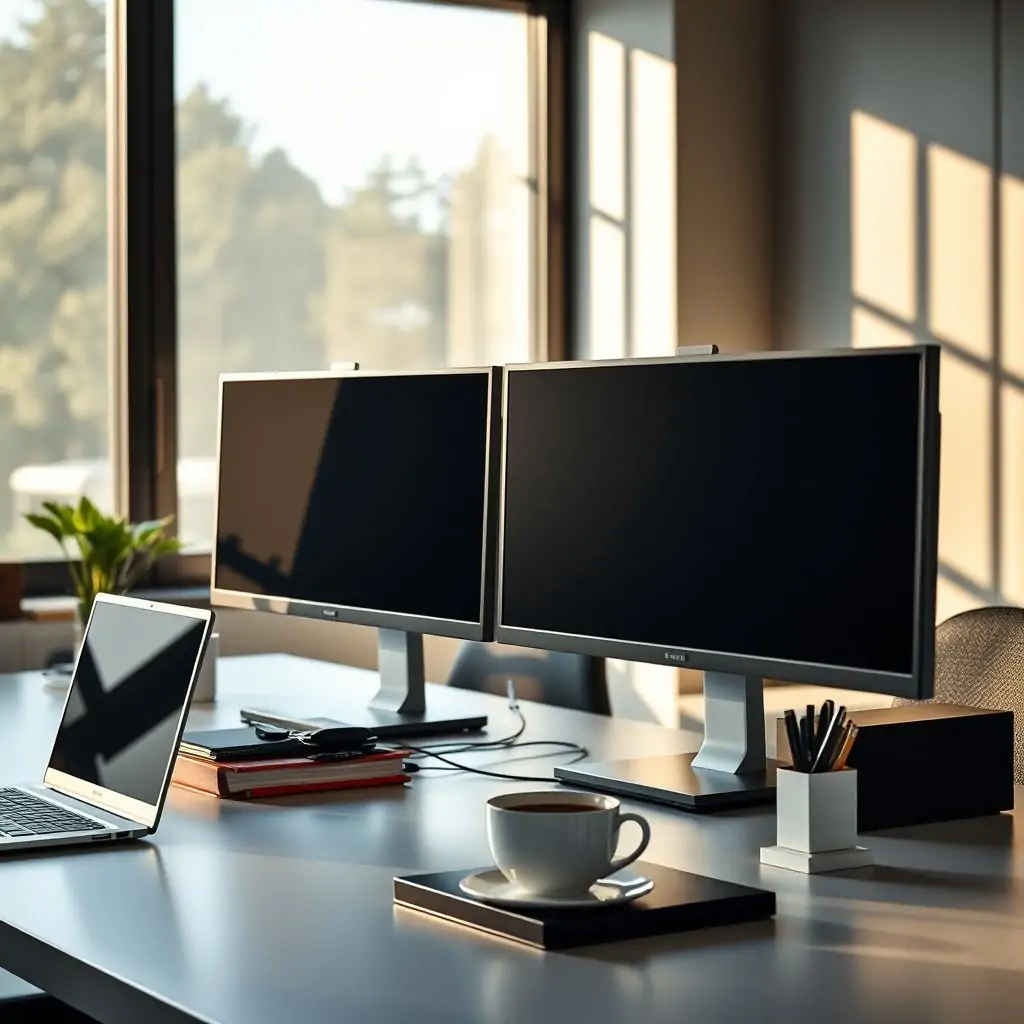
The advent of multi-monitor setups has transformed the productivity landscape for professionals across various industries. Whether you are a graphic designer, programmer, or financial analyst, leveraging multiple monitors can significantly enhance your workflow by maximizing screen real estate and reducing distractions. This guide to using multiple monitors productively will provide you with in-depth insights on how to set up and optimize your multi-monitor setup for maximum efficiency.
Guide to Using Multiple Monitors Productively
- Guide to Using Multiple Monitors Productively
- Benefits of a Multi-Monitor Setup
- Setting Up Your Dual or Triple Monitor Configuration
- Software Optimization for Multiple Monitors
- Ergonomic Considerations for Multi-Monitor Workstations
- Strategies to Maximize Productivity with Multiple Screens
- Tips and Tricks for Advanced Users
- Conclusion: Embracing the Multi-Monitor Revolution
Benefits of a Multi-Monitor Setup
The primary advantage of using multiple monitors is the increase in productivity that comes from having more screen real estate. This allows you to keep several applications open at once without compromising on visibility or usability.
Improved Workflow Efficiency
- Saving time by minimizing window switching and increasing multitasking capabilities.
- Enabling easier comparison of data across different sources simultaneously.
Enhanced Visual Clarity
Multiple screens reduce eye strain and improve focus by spreading out workloads across larger surfaces, thus making it less necessary to shift your gaze frequently between windows or tabs.
Setting Up Your Dual or Triple Monitor Configuration
Selecting the Right Hardware
- Choosing compatible monitors with similar resolutions and refresh rates for a cohesive look and performance.
- Evaluating display ports such as HDMI, DisplayPort, and USB-C to ensure connectivity is seamless.
Pro Tip: Invest in high-quality cables that can handle the bandwidth required by your chosen display technology.
Connecting Monitors to Your Computer
- Following manufacturer guidelines for connecting displays via appropriate ports.
- Adjusting monitor settings like brightness, contrast, and resolution through on-screen controls or a dedicated software application.
Software Optimization for Multiple Monitors
To fully harness the power of your multi-monitor setup, you need to optimize your operating system and applications:
Operating System Settings
- Configuring display settings in Windows or macOS control panels.
- Enabling features like virtual desktops to manage multiple workspaces efficiently.
Application-Specific Adjustments
Many productivity apps offer options for multi-monitor support. For instance, Microsoft Office applications allow you to drag and drop emails directly onto different monitors for quick task switching.
Ergonomic Considerations for Multi-Monitor Workstations
The physical setup of your workspace is crucial for long-term comfort and productivity:
Correct Monitor Placement
- Avoiding eye strain by positioning screens at a 90-degree angle to each other with the main monitor directly in front.
- Maintaining proper distance between your eyes and the screen, typically around arm’s length away.
Supportive Ergonomics
Ensure your chair is ergonomically designed to support your back and encourage good posture. Additionally, use a desk riser or monitor stand to adjust the height of your screens for better viewing angles.
Strategies to Maximize Productivity with Multiple Screens
Here are some practical tips to boost efficiency when working across multiple monitors:
Organize Your Workspace Virtually and Physically
- Group related tasks on specific screens or virtual desktops.
- Minimize clutter by arranging windows in an organized manner, using tools like Magnet (for Windows) or Spectacle (for macOS).
Tips and Tricks for Advanced Users
Dive deeper into advanced features to squeeze out maximum utility from your multi-monitor setup:
Customizing Hotkeys and Gestures
- Setting up custom shortcuts in software like AutoHotkey or BetterTouchTool for swift window management.
- Leveraging mouse gestures across multiple screens for quick navigation between applications.
Conclusion: Embracing the Multi-Monitor Revolution
Embracing a multi-monitor setup can dramatically enhance your productivity and overall work satisfaction. By following our guide to using multiple monitors productively, you’ll be well-equipped to make the most of this powerful technology in any professional environment.
To further refine your workflow and explore more advanced configurations, consider consulting ToolEngines for additional resources on optimizing hardware setups. For detailed insights into financial trends that could impact your business decisions related to tech investments, visit a reputable site like Bloomberg.

- Tool Engines
- Guide to Using Multiple Monitors Productively April 10, 2026
- Best Free Graphic Design Alternatives to Canva April 10, 2026
- How to Manage Email Inbox Zero April 10, 2026
- Top Tools for Image Background Removal April 10, 2026
- Guide to Using RSS for Content Curation April 10, 2026