Top Free Video Editing Software Comparison
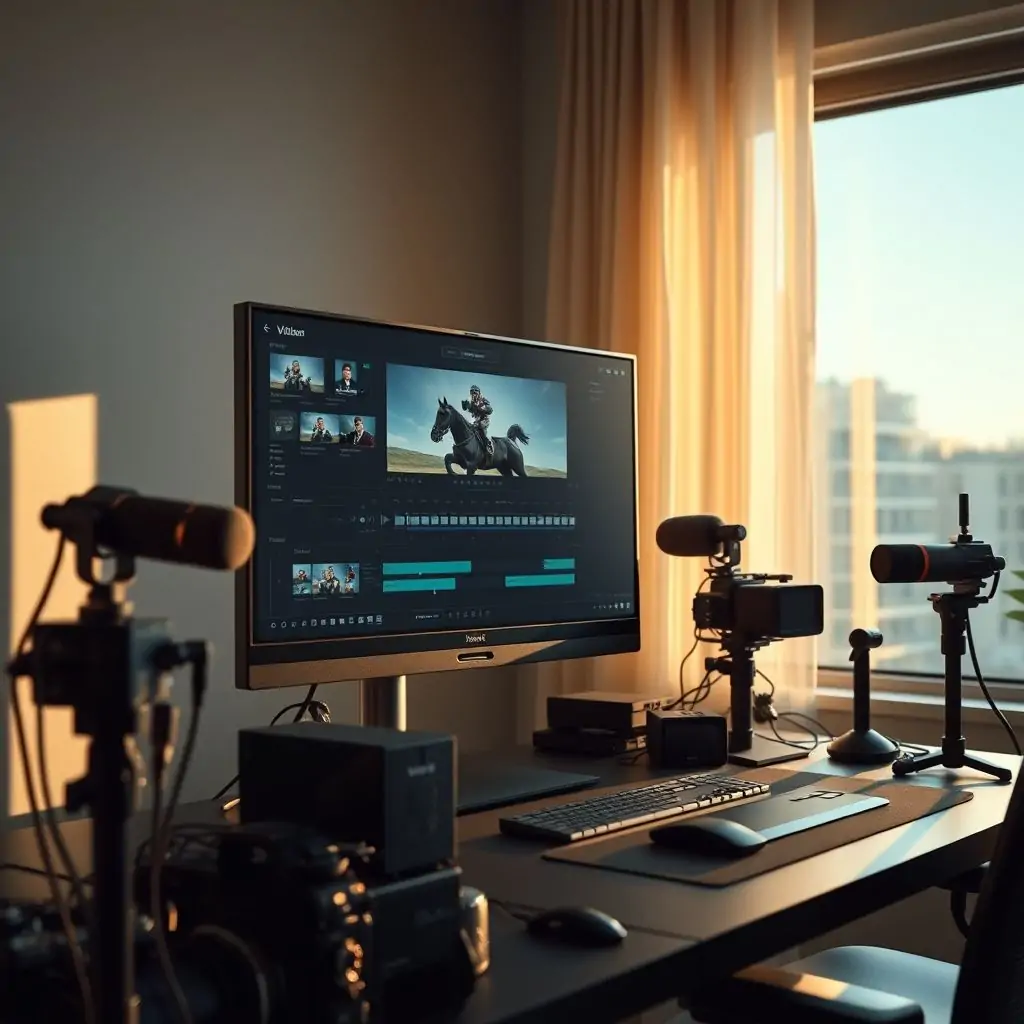
The world of video editing has evolved significantly with the advent of free software that rivals paid options in many aspects. In this Top Free Video Editing Software Comparison, we will delve into the best free tools available, providing a comprehensive analysis of their features and capabilities to help you make an informed decision.
Table of Contents
- Introduction: The Value of Free Video Editing Software
- Affordable and Feature-Rich Options for Beginners and Professionals Alike
- Top Free Video Editing Software Comparison: Must-Have Features
- Detailed Review of Top Free Video Editing Options
- Advantages and Disadvantages of Using Free Video Editors
- Which Free Video Editor Should You Choose?
- Expert Recommendations for Maximizing Your Editing Experience
- Conclusion: Making the Most of Free Software in Today’s Digital Age
Introduction: The Value of Free Video Editing Software
In today’s digital landscape, video content is king. From personal vlogs to professional marketing campaigns, the demand for high-quality videos has never been higher. However, the cost of premium editing software can be prohibitive for many creators. This is where free video editors come into play, offering robust features that cater to both novice and experienced users.
Understanding Free Software in a Premium Market
Free software often carries the stigma of being inferior or lacking essential features compared to paid alternatives. However, many free video editors have bridged this gap by incorporating advanced functionalities that rival their premium counterparts. These tools are designed to empower creators without breaking the bank.
Affordable and Feature-Rich Options for Beginners and Professionals Alike
When it comes to selecting a free video editing software, there are several options available that cater to different skill levels and project requirements. From user-friendly interfaces to powerful professional tools, the right choice can significantly enhance your video production capabilities.
User-Friendly Interfaces for Newbies
For beginners stepping into the world of video editing, simplicity is key. Tools like iMovie (Mac only) and HitFilm Express offer intuitive interfaces that make it easy to create polished videos without any prior experience.
Advanced Features for Professionals
For those with more expertise, free software can still provide the necessary tools to elevate their projects. OpenShot Video Editor and Blender are examples of powerful suites that include advanced features like color correction, keyframe animation, and 3D rendering.
Top Free Video Editing Software Comparison: Must-Have Features
When evaluating free video editing software, it’s crucial to consider the essential functionalities required for creating high-quality videos. This section will compare some of the top contenders based on features such as timeline-based editing, color grading tools, and special effects.
Timeline-Based Editing
A fundamental aspect of video editing is arranging clips in a sequence that tells a story coherently. Software like Pinnacle Studio Express Edition offers robust timeline tools, enabling users to arrange and adjust clips with precision.
Color Grading Tools
The ability to fine-tune the look of your video is essential for professional-grade output. Kdenlive stands out for its comprehensive color grading capabilities, allowing users to enhance or alter the mood of their scenes.
Detailed Review of Top Free Video Editing Options
In this section, we will provide an in-depth look at some of the most popular free video editing software options available today. Each review will highlight specific strengths and weaknesses to help you choose the right tool for your needs.
Adobe Premiere Rush
While not entirely free, Adobe Premiere Rush offers a generous trial period and limited free features that make it an excellent choice for those looking to get started with minimal investment. Its mobile-friendly interface and cloud synchronization capabilities are particularly noteworthy.
DaVinci Resolve
Featuring advanced color grading tools, DaVinci Resolve is a versatile editor that caters to both beginners and professionals. The free version includes all the necessary editing functionalities along with powerful audio post-production features.
Shotcut
An open-source option, Shotcut supports over 140 video formats, making it a versatile choice for users working with diverse media files. It offers basic to advanced tools, including keyframe animation and chroma keying.
Advantages and Disadvantages of Using Free Video Editors
While free software can be incredibly beneficial, it’s important to weigh the pros and cons before making a decision. Here we will explore some of the main advantages such as cost savings and accessibility versus potential drawbacks like limited customer support or restricted features.
Cost Savings
The primary advantage of free software is its affordability, allowing users to save money that can be invested in other aspects of their project production.
Accessibility
Free tools often have lower system requirements and are more widely available across various platforms, making them accessible to a broader audience.
Potential Drawbacks
The lack of dedicated customer support can be frustrating for users encountering issues. Additionally, the feature set might not always match that of paid alternatives.
Which Free Video Editor Should You Choose?
Choosing the right free video editor depends on your specific needs and project requirements. Whether you’re a beginner looking for an intuitive interface or a professional seeking advanced features, there’s a tool out there that suits everyone.
For Beginners
If you are just starting out, consider options like iMovie or HitFilm Express due to their user-friendly interfaces and straightforward workflows.
For Professionals
For those with more experience, DaVinci Resolve or Blender would be better choices as they offer the depth of features required for complex projects.
Conclusion: Making the Most of Free Software in Today’s Digital Age
In conclusion, free video editing software has come a long way and now offers robust options to cater to various needs. Whether you’re just starting or looking to expand your skillset without breaking the bank, there’s no better time than now to explore these powerful tools.
According to Bloomberg, the digital content creation industry continues to grow at an unprecedented rate, making free video editing software a vital tool for creators of all levels. By leveraging the right free editor, you can produce professional-grade videos that captivate your audience and elevate your brand’s presence online.

- Tool Engines
- Top Free Video Editing Software Comparison April 10, 2026
- Guide to Using VPN on All Your Devices April 10, 2026
- How to Set Up a Private Cloud Storage April 10, 2026
- Best AI Writing Tools for Content Creators April 10, 2026
- Complete Guide to Notion Advanced Features April 10, 2026