Troubleshooting Overheating Problems
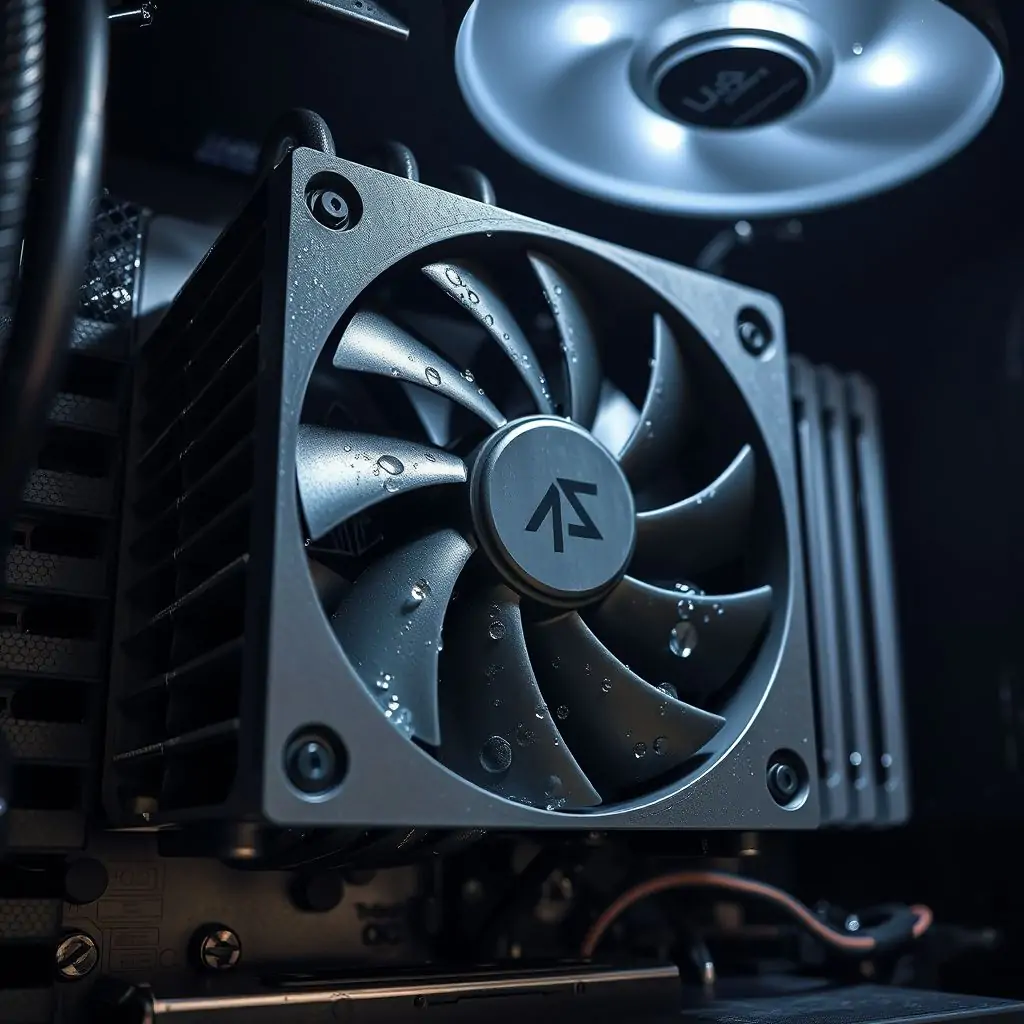
Overheating problems can significantly impact the performance and longevity of your electronic devices, from laptops to smartphones. Troubleshooting overheating issues promptly is crucial for maintaining optimal device operation. This comprehensive guide will provide you with detailed insights into identifying and resolving common overheating challenges across various devices.
- Understanding the Causes of Overheating
- Initial Steps to Troubleshoot Overheating Problems
- Advanced Techniques for Diagnosing and Resolving Overheating Issues
- Preventative Measures Against Device Overheating
- Case Studies: Real-world Examples of Troubleshooting Overheating Problems
- Tools and Software for Monitoring and Managing Heat Levels
- Maintenance Tips to Extend Device Lifespan
- Conclusion: Key Takeaways on Troubleshooting Overheating Problems
Understanding the Causes of Overheating
Overheating in electronic devices can be caused by a variety of factors. Common causes include:
- Dust Accumulation: Dust and debris can clog vents, preventing proper airflow.
- Poor Cooling Design: Devices with inadequate cooling systems are prone to overheating.
- Thermal Paste Degradation: Old or degraded thermal paste reduces heat transfer efficiency between the CPU and heatsink.
Initial Steps to Troubleshoot Overheating Problems
When your device starts overheating, there are several initial steps you can take before diving into more complex solutions:
- Shut Down and Unplug: Temporarily shutting down the device allows it to cool down.
- Clean Internal Components: Use compressed air to clear dust from fans, vents, and heat sinks.
- Update Firmware or Software: Ensure your operating system and drivers are up-to-date.
Advanced Techniques for Diagnosing and Resolving Overheating Issues
Moving beyond basic troubleshooting, there are several advanced methods to diagnose and fix overheating problems:
- Monitor Temperature Levels: Utilize built-in monitoring tools or third-party software to track temperature.
- Analyze Thermal Paste Application: Inspect the quality of thermal paste between the CPU and heatsink.
- Examine Fan Performance: Ensure fans are functioning correctly, and replace faulty ones if necessary.
Preventative Measures Against Device Overheating
To prevent overheating issues from occurring in the first place, consider implementing these preventative measures:
- Regular Cleaning: Schedule regular cleaning sessions to remove dust and debris.
- Select Appropriate Cooling Gear: Use cooling pads or external fans designed for your device model.
- Avoid High-Load Usage Patterns: Minimize activities that put excessive strain on the CPU, such as gaming at full intensity.
Case Studies: Real-world Examples of Troubleshooting Overheating Problems
Several real-world examples illustrate effective strategies for addressing overheating issues:
- Example 1: A user noticed their laptop was getting too hot during video editing. After shutting down the device and cleaning out dust, they applied fresh thermal paste and used a cooling pad, which resolved the issue.
- Example 2: An organization experienced overheating problems in desktop computers within an office setting. They installed better ventilation systems and replaced faulty fans to ensure consistent temperature management.
Tools and Software for Monitoring and Managing Heat Levels
A range of tools and software is available to help monitor and manage heat levels:
- Thermal Management Tools: Apps like SpeedFan and HWMonitor provide detailed temperature readings.
- Fan Control Software: Programs such as Fancontrol allow for precise adjustment of fan speeds based on current temperatures.
Maintenance Tips to Extend Device Lifespan
Maintaining your device is essential not only for preventing overheating but also extending its overall lifespan:
- Regularly Update Firmware and Drivers: Keeping components up-to-date can improve efficiency.
- Monitor Battery Health: A healthy battery reduces the risk of thermal issues related to charging cycles.
Conclusion: Key Takeaways on Troubleshooting Overheating Problems
Troubleshooting overheating problems requires a systematic approach that includes both immediate action and long-term maintenance. By following these steps, you can effectively diagnose the cause of overheating and implement solutions to keep your device running smoothly.

- Tool Engines
- Troubleshooting Overheating Problems March 28, 2026
- Best Weather Apps for Desktop and Mobile March 28, 2026
- How to Use Task Manager Like a Pro March 28, 2026
- Guide to Remote Desktop Access March 28, 2026
- How to Protect Your Computer from Malware March 28, 2026