How to Set Up a Home Network Properly
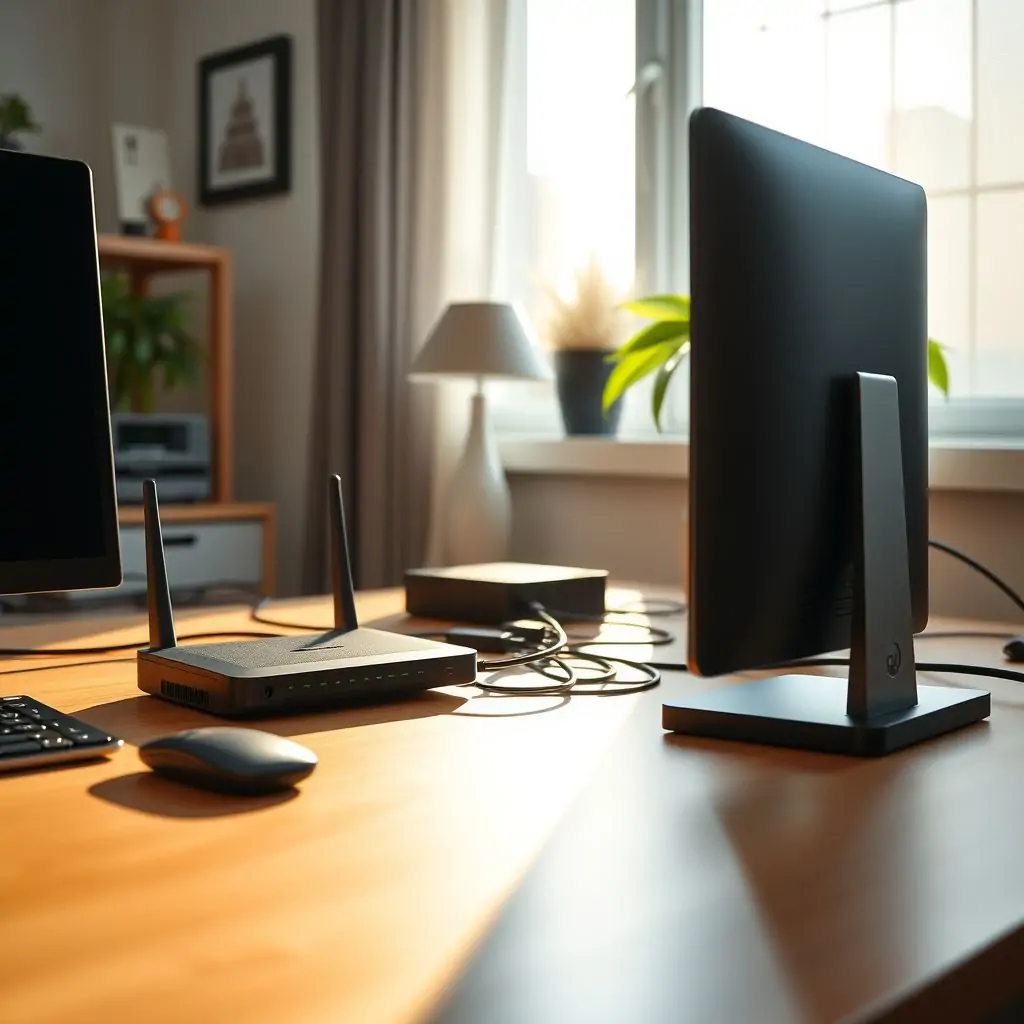
Setting up a home network properly is an essential task for anyone looking to ensure that their internet connection serves all devices efficiently while maintaining security and privacy. With the increasing reliance on smart gadgets, it’s more important than ever to understand how to configure your network correctly. This article will guide you through every step of creating a robust and secure home network, ensuring that you can enjoy uninterrupted streaming, gaming, and online communication without any hitches.
- How to Set Up a Home Network Properly: An Overview
- Choosing the Right Internet Plan for Your Needs
- Understanding the Role of Modems and Routers in Your Network Setup
- Configuring a Secure Home Network Environment
- Extending Wi-Fi Coverage Across Your Home
- Optimizing Your Network for Different Activities: Pro Tips
- Advanced Features and Considerations in Setting Up a Home Network Properly
- Common Issues Encountered During Home Network Setup and Troubleshooting Strategies
How to Set Up a Home Network Properly: An Overview
Setting up a home network involves several key steps, from selecting the appropriate internet plan based on your needs to configuring security settings that protect your personal data. It’s crucial to understand each component and how they interact within your home environment.
Understanding Your Network Requirements
The first step in setting up a home network is determining what you need. Consider factors such as the number of devices, internet usage habits (streaming services, gaming, file transfers), and whether you require specific features like parental controls or guest networks. A clear understanding of these requirements will help guide your decision-making process.
Choosing Between Wired and Wireless Networks
While a wireless network offers convenience and flexibility, wired connections provide better performance and stability for demanding activities such as high-resolution video streaming or online gaming. Decide based on the specific needs of your household.
Choosing the Right Internet Plan for Your Needs
The choice of internet plan can significantly impact the overall performance of your home network. Factors to consider include data caps, upload/download speeds, and reliability.
Researching Available Options
Visit websites like ToolEngines for detailed comparisons between different internet service providers (ISPs). Look at reviews and user feedback to gauge the quality of services offered by each provider. Additionally, check if there are any promotional offers that could save you money.
Evaluating Speed Requirements
Determine whether you need a high-speed connection for activities like HD video streaming or online gaming versus basic browsing and email usage. ISPs often categorize plans based on typical user needs; choose accordingly to avoid paying extra for unnecessary speed.
Configuring a Secure Home Network Environment
Ensuring the security of your home network is paramount in protecting personal information from cyber threats.
Setting Up Strong Passwords and Encryption
Create unique, complex passwords for both your router and wireless networks. Enable WPA3 encryption if supported by your devices; otherwise, use WPA2 for maximum protection against unauthorized access.
Implementing Parental Controls and Content Filtering
If you have children or need to manage internet usage across different household members, set up parental controls that limit screen time or block inappropriate content. This helps maintain a safe online environment within your home network.
Extending Wi-Fi Coverage Across Your Home
Ensuring consistent Wi-Fi coverage throughout your living space is essential for seamless connectivity and enjoyment of various devices without interruptions.
Selecting the Right Extenders or Mesh Systems
If you have dead zones in your house where signal strength drops significantly, consider investing in range extenders or mesh systems. These tools help distribute Wi-Fi signals evenly throughout large spaces, providing reliable connections everywhere.
Optimizing Placement of Your Router and Accessories
The placement of your router can greatly influence the reach and quality of your network signal. Avoid placing it near metal objects, walls with many electrical appliances, or other electronic devices that may cause interference. Elevate the device off the ground if possible to enhance its performance.
Optimizing Your Network for Different Activities: Pro Tips
To get the most out of your home network, it’s important to tailor specific settings and configurations based on intended uses such as streaming media or gaming.
For Streaming Media Services
To optimize your network for streaming services like Netflix or Hulu, ensure that you have sufficient bandwidth allocated specifically for video playback. Consider Quality of Service (QoS) features available in modern routers to prioritize data traffic for smoother experiences without buffering delays.
Enhancing Performance for Online Gaming
For gamers looking to reduce latency and improve response times during online sessions, configuring port forwarding rules within your router can make a significant difference. Additionally, using wired Ethernet connections instead of wireless links ensures lower ping times and more stable gameplay.
Advanced Features and Considerations in Setting Up a Home Network Properly
Once basic configurations are complete, explore additional features that can further enhance your home network’s capabilities.
Multifunctional Routers with Built-In NAS Support
A number of advanced routers now come equipped with built-in Network Attached Storage (NAS) functionality. This allows users to store large files or media libraries on a centralized device, accessible across all connected devices without needing extra hardware.
Considerations for Smart Home Integration and Automation
If you’re interested in integrating various smart home gadgets into your network, research compatibility issues beforehand. Many modern routers offer advanced automation features that streamline interactions between different IoT products under a single interface.
Common Issues Encountered During Home Network Setup and Troubleshooting Strategies
Even with thorough planning, unexpected problems can arise when setting up a home network. Here are some common issues along with recommended solutions:
Lagging or Slow Internet Connections
If you experience slow speeds, check if your connection is throttled due to excessive data usage. Contacting your ISP might resolve this issue by offering higher-tier plans with unlimited bandwidth.
Intermittent Connectivity Issues
In cases where devices frequently disconnect from the network unexpectedly, ensure that firmware updates for both router and modem are up-to-date. Outdated software can lead to instability in wireless signals.
By following these guidelines and incorporating expert-level analysis throughout each stage of your home network setup process, you’ll be well-equipped to establish a robust and efficient system tailored perfectly to meet the demands of modern household needs. Remember that regular maintenance and adjustments based on evolving requirements are key to sustaining optimal performance over time.

- Tool Engines
- Best Free Graphic Design Tools March 28, 2026
- Guide to Using RSS Readers Effectively March 28, 2026
- How to Set Up a Home Network Properly March 28, 2026
- Best Note Taking Apps Comparison March 28, 2026
- How to Clean and Optimize Your Browser March 28, 2026