How to Organize Digital Photos and Videos
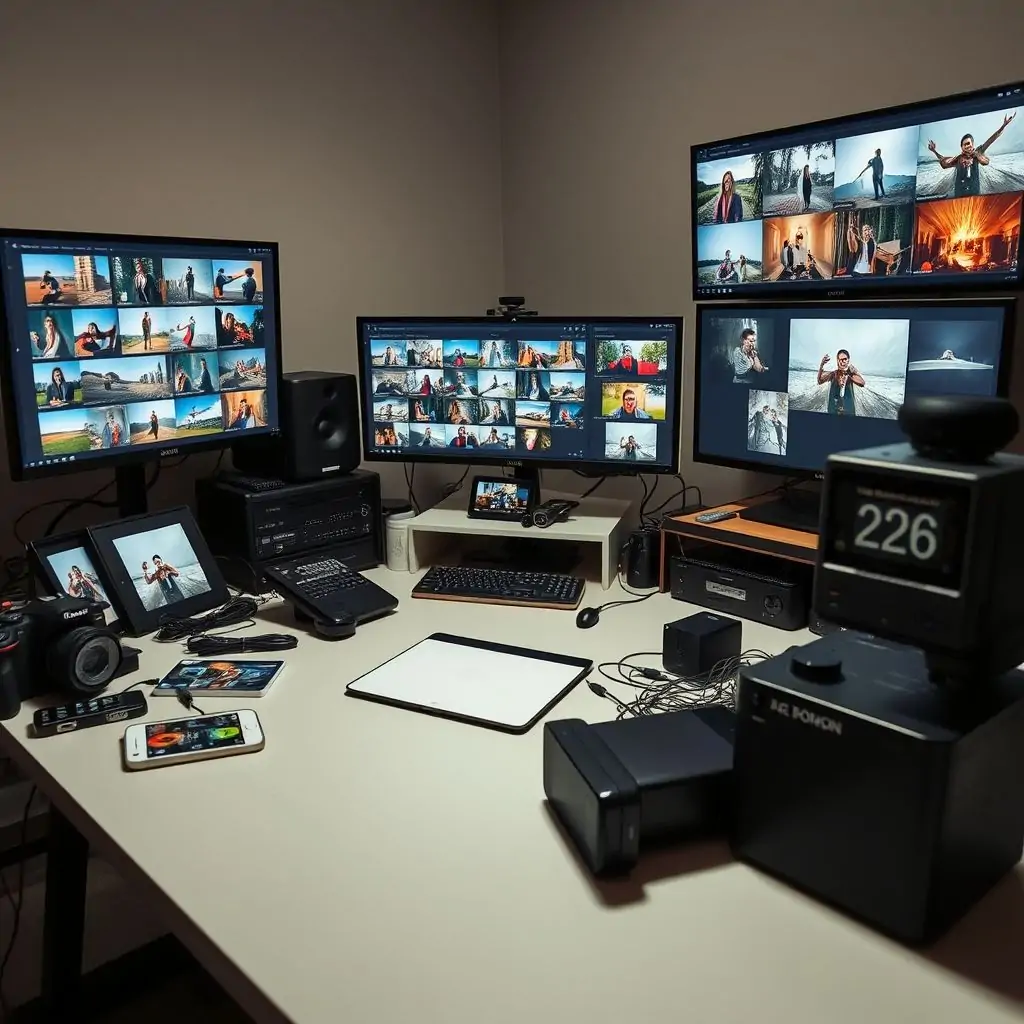
With the proliferation of smartphones and digital cameras, organizing your collection of photos and videos has become increasingly complex. How to Organize Digital Photos and Videos effectively is a crucial skill in today’s world where memories are captured more frequently than ever before. This guide provides detailed insights into streamlining your digital media management to ensure that every cherished moment is easily accessible and well-preserved.
- Introduction to Digital Photo and Video Organization
- Benefits of Organizing Your Media Library
- Choosing the Right Tools for Media Management
- Creating a Comprehensive File Naming System
- Best Practices for Storing and Backing Up Your Files
- Implementing Metadata to Enhance Searchability
- Tips for Organizing Videos Specifically
- Conclusion: Making Organization a Habit
Introduction to Digital Photo and Video Organization
The digital age has brought about an unprecedented volume of photo and video content. With each smartphone capable of capturing high-quality images and videos, the challenge lies in managing this vast collection efficiently. How to Organize Digital Photos and Videos is a critical task that goes beyond mere storage—it’s about preserving your memories in a way that they can be retrieved effortlessly when needed.
Why Is It Important?
The importance of organizing digital media cannot be overstated. Not only does it ensure easy retrieval, but it also protects against data loss and enhances the overall user experience. A well-structured library is more likely to be regularly maintained and updated.
Benefits of Organizing Your Media Library
Effective organization offers numerous benefits that go beyond just keeping things neat. Here are a few key advantages:
- Data Security: Properly organized media reduces the risk of data loss due to accidental deletion or hardware failure.
- Ease of Access: A well-organized library allows you to find specific files quickly, saving time and frustration.
- Maintainability: Regular maintenance is easier when your media library has a clear structure, making it less daunting to keep up with new additions.
Choosing the Right Tools for Media Management
The first step in How to Organize Digital Photos and Videos is selecting the right tools. There are several options available, each offering unique features:
- Lensroom: A powerful tool designed specifically for photographers who need advanced capabilities such as batch processing and extensive metadata management.
- Pixort: Offers a simple user interface with robust organization features like hierarchical folder structures and file tagging systems.
Choosing Based on Needs
Your choice of tool should align closely with your specific requirements. For instance, if you deal primarily with video content, software that supports advanced video editing might be more suitable than a photo-centric application. Consider what features are most important to you and choose accordingly.
Creating a Comprehensive File Naming System
A robust file naming system is the backbone of any digital organization strategy. It should include elements like date, location, subject matter, and unique identifiers to ensure clarity:
- Date-Based Names: Using ISO format (YYYY-MM-DD) makes it easy to sort files chronologically.
- Description Tags: Adding brief descriptions within file names can greatly aid in identification later on.
Implementation Tips
To implement a successful naming system, start by identifying key categories (e.g., events, people, places) and then devise consistent rules for incorporating them into filenames. Regularly reviewing and updating this system as your needs evolve ensures its continued effectiveness.
Best Practices for Storing and Backing Up Your Files
Storage solutions range from external hard drives to cloud-based services, each with distinct advantages:
- External Drives: Provide physical security against internet-related threats but require diligent management.
- Cloud Services: Offer convenience and accessibility across multiple devices but may come at a cost in terms of privacy concerns.
Backup Strategies
To safeguard your data, it’s recommended to use a combination of both local storage and cloud backup. This hybrid approach maximizes protection against potential threats while maintaining ease of access.
Implementing Metadata to Enhance Searchability
Metadata provides additional context about files which can significantly improve their searchability:
- ID3 Tags for Audio Files: Enrich your audio content with artist, album, and genre information.
- XMP Data for Images: Add details such as camera model, lens type, aperture value, etc., to provide comprehensive metadata for images.
Utilizing Metadata Tools
Leverage tools like ToolEngines that offer robust support for adding and managing metadata across various file formats. These tools streamline the process of enriching your media library with valuable data points.
Tips for Organizing Videos Specifically
Videos present unique challenges due to their larger file sizes and varying content types:
- Optimize Folder Structures: Create folders based on events, dates, or themes to keep videos organized.
- Leverage Video Management Software: Utilize software like Adobe Premiere Pro for detailed organization features tailored to video files.
Best Practices in Action
A case study from a professional videographer highlights the importance of meticulous folder structures. By categorizing videos into projects, subcategories like “Raw Footage,” and “Edited Versions,” they streamline their workflow and enhance accessibility.
Conclusion: Making Organization a Habit
Maintaining an organized digital media library requires commitment to regular maintenance practices. By establishing routines for reviewing, updating, and backing up your files, you ensure that all memories remain safe and easily accessible.
In summary, mastering How to Organize Digital Photos and Videos is essential for anyone looking to preserve their digital legacy effectively. With the right tools, systems, and habits in place, managing vast collections of media becomes not only manageable but also rewarding.
For further reading on data management practices, refer to authoritative resources like Wikipedia which provide comprehensive guides on information technology topics.
By implementing these strategies, you can ensure that your digital photos and videos remain organized and accessible for years to come.

- Tool Engines
- How to Organize Digital Photos and Videos April 11, 2026
- Best Free Audio Recorder Tools April 11, 2026
- Guide to Using QR Code Generators Effectively April 10, 2026
- How to Create a Second Brain System April 10, 2026
- Top Tools for Code Snippet Management April 10, 2026