How to Fix Battery Drain on iPhone
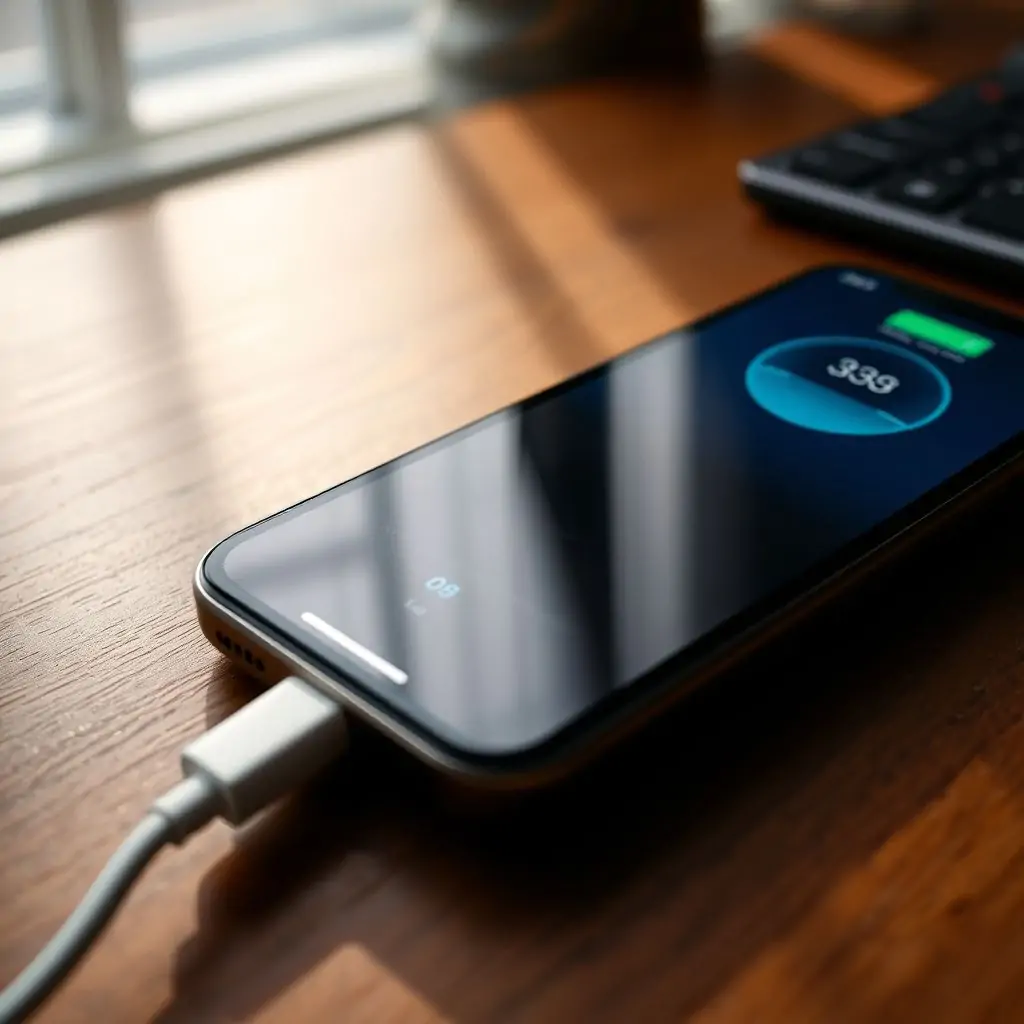
Are you experiencing frequent battery drain on your iPhone? This can be frustrating, especially when you’re in a situation where your phone needs to last longer than it actually does. In this comprehensive guide, we’ll explore several methods and strategies on how to fix battery drain on iPhone. We’ll delve into technical aspects, provide practical solutions, and offer real-world insights that can help extend the life of your device’s battery.
- Introduction to Battery Drain on iPhones
- Understanding iPhone Battery Management
- Common Causes of Battery Drain
- How to Fix Battery Drain on iPhone: Practical Steps
- Advanced Techniques for Optimizing Battery Usage
- Monitoring and Analyzing Your iPhone’s Battery Health
- Maximizing iPhone Battery Life Through Software Upgrades
- Conclusion: Taking Control of Your iPhone’s Battery Drain
Introduction to Battery Drain on iPhones
Battery drain is a common issue that affects the usability and functionality of smartphones, including Apple’s iPhone series. The primary concern for users experiencing battery drain is often a decrease in device performance, which can be attributed to various factors such as software inefficiencies, hardware limitations, or user behavior patterns.
Understanding iPhone Battery Management
Before diving into how to fix battery drain on iPhone, it’s crucial to understand how Apple manages its battery technology. iPhones use lithium-ion batteries that have a lifespan measured by charge cycles, meaning they degrade over time with each full discharge and recharge. However, iOS includes several features designed to optimize battery performance and extend the life of your device.
Key Battery Management Features
- Low Power Mode: Activates automatically or manually when the battery level is below 20%, reducing background app refreshes and other activities that consume power.
- Battery Health Indicator: Provides users with information about their device’s battery condition, including whether it needs service.
Common Causes of Battery Drain
To effectively address how to fix battery drain on iPhone, it’s important to identify the root cause. Below are some common reasons why your iPhone might be experiencing rapid power depletion:
Background App Refresh
This feature allows apps to download new content in the background, but it can significantly impact your battery life if not managed properly.
Bright Screen
The screen is one of the biggest consumers of battery power. Keeping it at full brightness or leaving notifications and alerts active can rapidly drain the battery.
How to Fix Battery Drain on iPhone: Practical Steps
Now that we’ve identified some common causes, let’s look at practical steps you can take to tackle battery drain on your iPhone.
Disabling Background App Refresh
- Settings > General > Background App Refresh: Turn off this feature for apps that don’t require frequent updates.
Scheduling Notifications
Leverage your iPhone’s ability to schedule notifications, so they’re only delivered during times when the device is more likely to be in use.
Advanced Techniques for Optimizing Battery Usage
For users looking beyond basic tips and seeking deeper optimization, consider these advanced strategies:
Using Low Power Mode Strategically
Activating Low Power Mode manually whenever you notice your battery level dropping quickly can be an effective short-term solution.
Limiting Location Services
- Settings > Privacy > Location Services: Disable location services for apps that don’t need constant access to location data.
Monitoring and Analyzing Your iPhone’s Battery Health
To understand your device’s battery performance, iOS offers tools that allow you to monitor its health. Knowing whether your battery is in good condition can inform how aggressively you need to manage power consumption.
Checking the Battery Status
- Settings > Battery: Here, you can view detailed usage statistics and identify which apps are using the most power.
Maximizing iPhone Battery Life Through Software Upgrades
Apple frequently releases iOS updates that enhance battery efficiency and performance. Ensuring your device is running the latest software can be a key factor in mitigating battery drain issues on iPhone.
Updating Your Operating System
- Settings > General > Software Update: Keep an eye out for updates that could improve battery management.
Conclusion: Taking Control of Your iPhone’s Battery Drain
Maintaining a healthy and efficient battery on your iPhone is essential to maximizing its performance. By understanding the underlying causes of battery drain on iPhone and implementing practical solutions, you can significantly extend the life of your device. Remember that consistent monitoring and adjustment are key to long-term success.
For more detailed insights into managing technology effectively, consider exploring resources from ToolEngines.com.

- Tool Engines
- How to Fix Battery Drain on iPhone March 27, 2026
- Guide to Android Developer Options March 27, 2026
- How to Factory Reset Your Android Phone March 27, 2026
- Troubleshooting WiFi and Mobile Data Problems on Android March 27, 2026
- Best Android Apps for Productivity March 27, 2026