Best Music Players for Desktop and Mobile
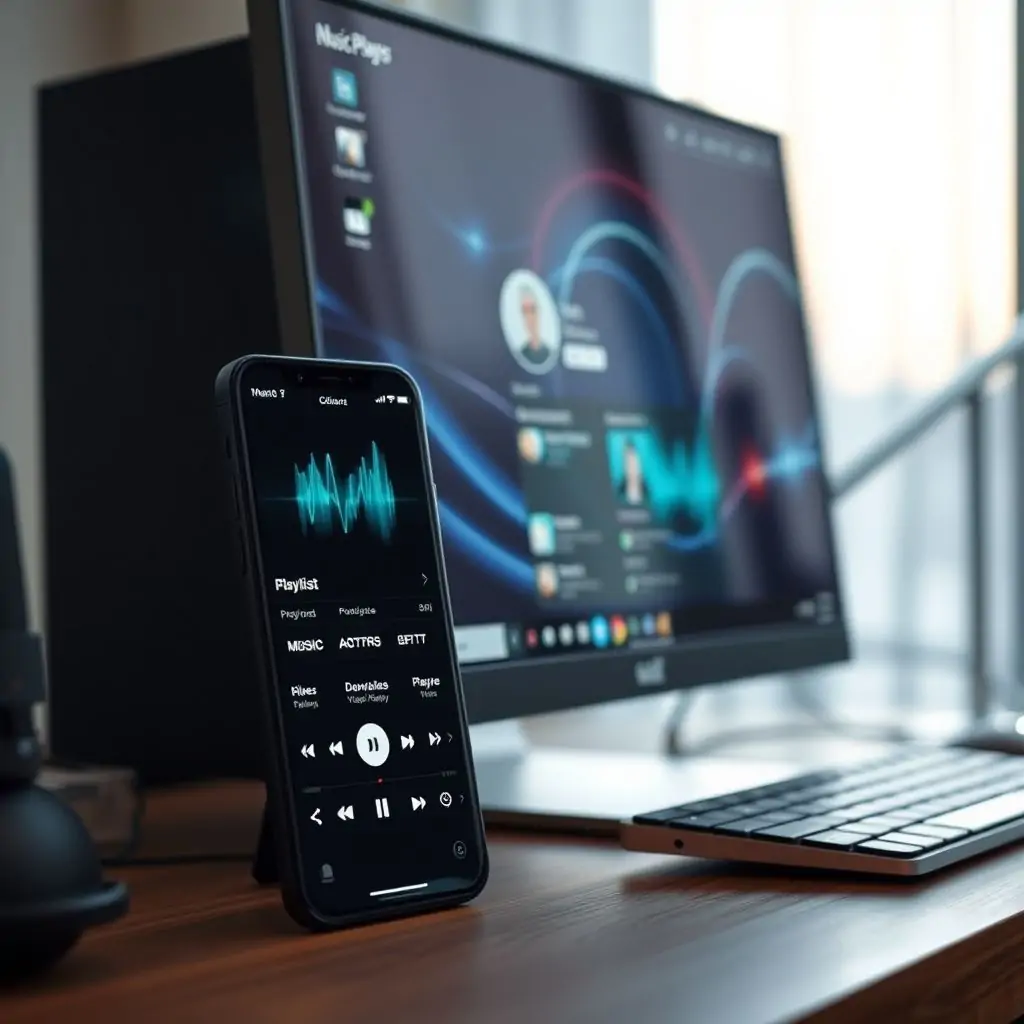
The world of music has evolved beyond traditional radio and CDs with digital streaming platforms taking center stage. However, for those who prefer a more personalized experience or seek features not available in mainstream applications like Spotify or Apple Music, there’s an array of best music players for desktop and mobile. These tools offer unique functionalities that cater to various user preferences, from advanced equalizer settings to offline playback options.
- Why Choose the Best Music Players for Desktop and Mobile?
- Top Music Player Apps for Desktop
- Leading Music Player Applications for Mobile Devices
- Key Features to Look For in a Music Player App
- Comparing the Best Music Players for Desktop and Mobile
- Installation and Setup Guide: A Step-by-Step Process
- Security Considerations When Using Third-Party Music Players
- User Reviews and Ratings for Top Music Player Apps
- Conclusion: Choosing the Right Music Player for Your Needs
Why Choose the Best Music Players for Desktop and Mobile?
As digital music consumption continues to grow, choosing the right music player app is more crucial than ever. Whether you are a casual listener or an audiophile seeking granular control over your audio experience, there’s a best fit in the plethora of available options. These applications not only provide access to millions of songs but also offer unique features such as customizable playlists, offline listening capabilities, and superior sound quality through advanced equalizers.
Moreover, the proliferation of smart devices means that music players for desktop and mobile need to be versatile and capable of handling different platforms seamlessly. This versatility extends from providing cloud storage integration to supporting various file formats, making it easier than ever to manage your library across multiple devices.
Top Music Player Apps for Desktop
When it comes to the desktop environment, several applications stand out as leading solutions. These apps cater to both casual users and power listeners who demand high-quality sound reproduction:
- VLC Media Player: Known for its robust feature set, VLC supports a vast range of audio formats and offers advanced playback options including live TV support.
- Audacious: A lightweight yet powerful player that excels in customizability. It supports various plugins allowing users to add features like internet radio stations or lyrics display.
- Clementine Music Player: This cross-platform app combines the simplicity of a music player with advanced capabilities such as gapless playback and a sophisticated tag editor.
Leading Music Player Applications for Mobile Devices
Mobile devices are increasingly becoming the primary medium through which people consume music. Here’s a look at some top-tier apps that cater to diverse listening habits:
- Pocket Casts: A premium podcast player known for its excellent offline download feature and user-friendly interface.
- MusicBee: Although primarily associated with desktop use, MusicBee also has a mobile version offering deep metadata editing features alongside robust playlist management.
- AirLyrics: As the name suggests, this app is perfect for those who want to read song lyrics while listening. It integrates seamlessly with existing playlists from other players and supports multiple languages.
Key Features to Look For in a Music Player App
When selecting best music players for desktop and mobile, certain features should be prioritized:
- Offline Listening Capability: Being able to download songs or podcasts to play without an internet connection is essential.
- Customizable Interface: A user-friendly interface that allows you to tailor the look and feel of the app according to personal preferences enhances the overall experience.
- Synchronization Across Devices: Ensuring seamless playback across multiple devices ensures a consistent listening experience regardless of where you are.
- Advanced Audio Features: For audiophiles, features such as support for various audio formats and advanced equalizer settings make the difference between acceptable and immersive sound quality.
Comparing the Best Music Players for Desktop and Mobile
To help you decide which application suits your needs best, here’s a comparison of popular options:
| App Name | Desktop Support | Mobile Support | Main Features |
|---|---|---|---|
| VLC Media Player | ✅ | ✅ (via VLC Mobile) | Supports numerous file formats, live TV streaming. |
| Audacious | ✅ | – | Lightweight design with customizable plugins and gapless playback. |
| Clementine Music Player | ✅ | ✅ (via Clementine Mobile) | Sophisticated tagging and editing features, customizable themes. |
| Pocket Casts | – | ✅ | Excellent offline downloading capabilities, user-friendly interface. |
| AirLyrics | – | ✅ | Synchronized lyrics display with existing playlists from other players. |
Installation and Setup Guide: A Step-by-Step Process
Installing a music player app is straightforward but requires attention to detail for optimal performance:
- Select the Appropriate Version: Download the version of your chosen music player that matches your operating system.
- Install Required Plugins (if any): Some applications, like VLC Media Player, offer additional plugins for better functionality. Make sure to install these during setup or through an update.
- Import Your Music Library: Most apps provide easy methods to import your existing music library from other devices or cloud storage services.
- Customize Settings and Features: Explore the settings menu to adjust playback options, user interface preferences, and any additional features you wish to activate.
Security Considerations When Using Third-Party Music Players
Maintaining security while using third-party music player applications is paramount. Issues like malware or unauthorized access can compromise both your device’s integrity and personal information:
- Verify Source Authenticity: Always download from official sources to avoid malicious software.
- Regularly Update Apps: Keeping your apps up-to-date ensures protection against newly discovered vulnerabilities.
- Enable Two-Factor Authentication (2FA):If provided by the application, enabling 2FA adds an extra layer of security.
User Reviews and Ratings for Top Music Player Apps
The feedback from current users can provide invaluable insights when choosing between different music player apps:
- VLC Media Player: Highly rated for its stability, performance, and compatibility with a wide range of audio file types.
- Audacious: Praised by many for its simplicity and the ability to extend functionalities through plugins.
- Clementine Music Player: Well-regarded in the tech community for its advanced features such as gapless playback and tag editing capabilities.
- Pocket Casts: Often recommended for its offline downloading feature, which allows users to enjoy content without internet access.
- AirLyrics: Recipient of high praise due to its seamless integration with other music players’ playlists and easy-to-navigate interface for displaying lyrics.
Conclusion: Choosing the Right Music Player for Your Needs
From casual listeners looking for basic functionalities like playlist creation and offline listening, to audiophiles demanding superior sound quality through advanced equalizer settings – there truly is a best fit amongst the multitude of music player apps. By understanding your specific requirements and exploring the features provided by these applications, you can find an option that enhances both your listening experience and convenience.
To further optimize your selection process, consider leveraging online resources like Tool Engines for in-depth reviews and comparisons tailored to individual needs. This additional layer of information will equip you with all necessary insights to make an informed decision regarding which music player suits your lifestyle best.
Ultimately, the choice should align closely with how you interact with digital media and what aspects hold priority in providing enjoyment or utility during daily use scenarios.

- Tool Engines
- Best Music Players for Desktop and Mobile March 28, 2026
- Troubleshooting External Hard Drive Issues March 28, 2026
- How to Recover Forgotten WiFi Password March 28, 2026
- Guide to Using Virtual Machines March 28, 2026
- Best PDF Editors and Tools March 28, 2026